The Growing Need for AI Video Processing
As AI tools like Sora and Runway Gen-3 have become industry standards for video creation in 2026, standard servers can no longer keep up. High-quality video generation, real-time deepfake rendering, and AI upscaling demand massive computing power that only specialized hardware can provide.
What are GPU Dedicated Servers?
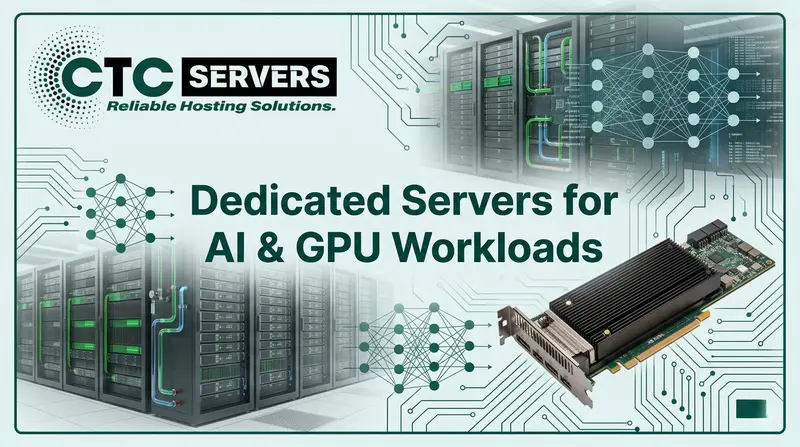
A GPU dedicated server is a powerful computer hosted in a data center that relies heavily on Graphics Processing Units (GPUs) rather than just Central Processing Units (CPUs). Unlike shared hosting or standard cloud computers, a dedicated server gives you 100% of the hardware resources with zero sharing. This means you get maximum performance, top-tier security, and complete control over the system architecture. Modern setups often pair powerful processors like the AMD EPYC 4th and 5th Generation (Genoa and Turin) or Intel Xeon Scalable processors with multiple high-end compute GPUs or specialized AI accelerators.
GPUs are designed to handle thousands of operations at the exact same time, which is known as parallel processing. While a CPU might have 32, 64, or even 128 cores, a modern AI accelerator like the NVIDIA B200 or an RTX 6000 Ada Generation workstation card has thousands of specialized CUDA and Tensor cores. These cores are specifically built to run complex mathematical calculations required for deep learning, 3D rendering in software like Blender, and AI-driven video upscaling without lagging or crashing.
Key Factors to Consider When Choosing a Server
1 VRAM Capacity
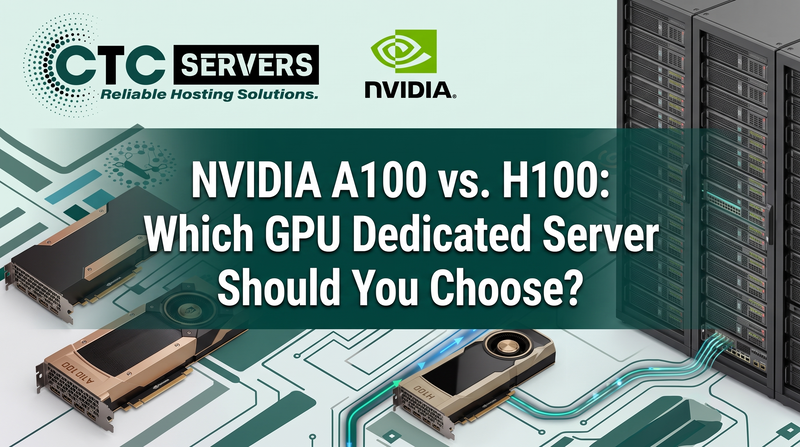
AI video rendering needs a lot of Video RAM. Aim for servers with at least 32GB to 192GB of VRAM, utilizing legacy workhorses like the NVIDIA A100 or current powerhouses like the Blackwell B200, to handle complex 4K and 8K workflows without out-of-memory errors.
2 CPU Bottlenecking
A powerful GPU needs a strong CPU to feed it data. Pair your AI accelerators with fast, multi-core processors like the AMD EPYC 5th Gen (Turin) to ensure smooth data transfer.
3 Storage Speed
Reading and writing large video files requires blazing-fast storage. Always choose NVMe SSD storage over traditional hard drives to prevent slowdowns during data fetching.
4 Network Bandwidth
Uploading raw footage and downloading rendered AI videos requires high-speed connectivity. Look for servers offering a minimum of 10 Gbps, or ideally 25 Gbps to 100 Gbps network interfaces, for seamless 8K file transfers.
5 Number of GPUs
Some AI tasks scale perfectly across multiple cards. Multi-GPU servers, featuring 2x, 4x, or 8x GPUs, allow you to process different video frames at the exact same time.
6 Cooling and Power
High-end AI rendering consumes a lot of electricity and generates intense heat. Ensure the data center has enterprise-grade power and liquid or advanced air cooling systems.
Best GPUs for Video Rendering in 2026
The landscape of hardware in 2026 is highly specialized. For large-scale AI video processing and heavy deep learning models, the latest NVIDIA Blackwell architecture (like the B200 and GB200 Superchip) is setting the new standard for massive AI workflows. While legacy powerhouses like the H100 and H200 are still massive players, Blackwell offers incredible memory bandwidth and AI-specific Tensor cores that cut rendering times from hours down to minutes. These headless compute units are best suited for big production studios and massive AI platforms processing thousands of videos daily.
For independent creators, smaller studios, and specialized AI workflows, high-end prosumer and workstation GPUs offer fantastic value. Graphics cards like the NVIDIA RTX 5090 or the RTX 6000 Ada Generation deliver exceptional AI generation capabilities at a more accessible price point. They are perfect for tasks like AI color grading in DaVinci Resolve, Topaz Video AI upscaling, and rendering complex 3D environments.
Enterprise Accelerators vs. Prosumer / Workstation GPUs
Choosing between an enterprise-grade accelerator and a workstation-grade GPU depends entirely on your workload and budget. Enterprise cards focus on continuous 24/7 reliability and massive memory, while workstation cards offer excellent raw speed for active, hands-on rendering tasks.
| Feature |
Enterprise Accelerator (e.g., NVIDIA B200) |
Prosumer / Workstation GPU (e.g., RTX 5090 / RTX 6000 Ada) |
| Best For |
Large-scale AI platforms, 24/7 cloud rendering |
Solo creators, active video editing, 3D design |
| VRAM |
192GB HBM3e (B200) |
32GB (RTX 5090) - 48GB (RTX 6000 Ada) |
| Cooling Type |
Passive (relies on server chassis fans) or Liquid Cooling |
Active (built-in fans) |
| Price / Performance |
High initial investment, built for massive datasets |
Highly cost-effective for smaller studios |
| Reliability |
Built for non-stop, maximum-capacity server usage, ECC memory |
Excellent, tailored for hands-on production duties |
How to Optimize Your Rendering Workflow
Even with the best hardware, setting up your software correctly is essential. Optimizing your workflow ensures you get the most out of your dedicated server investment.
- Always install the latest Studio or Enterprise drivers (like NVIDIA Studio Drivers) instead of gaming drivers for better stability during long renders.
- Utilize containerization tools like Docker to manage different AI video generation models without software conflicts.
- Set up a fast local cache using a RAID 10 array for speed and safety, or use RAID 0 only for temporary cache while ensuring your final renders save instantly to secure storage.
- Use job scheduling software to queue up massive rendering tasks overnight, maximizing your server's hardware usage when you are not actively working.
The Cost-Benefit of Dedicated Bare Metal Servers
Many businesses start by using public cloud instances for their AI video needs, but they quickly realize how expensive per-hour billing becomes. A dedicated bare metal server provides a fixed, predictable monthly cost. When you are processing heavy AI workloads like text-to-video generation or real-time facial tracking 24/7, a dedicated server easily pays for itself by eliminating surprise cloud computing bills.
Furthermore, dedicated bare metal servers offer raw, unshared performance. Because there is no virtual layer taking up resources, your video rendering software gets direct access to the CPU, RAM, and GPU. This leads to faster render times, fewer dropped frames, and a much smoother overall operation compared to shared cloud environments.
Experience the GPU Dedicated Servers at CTCservers
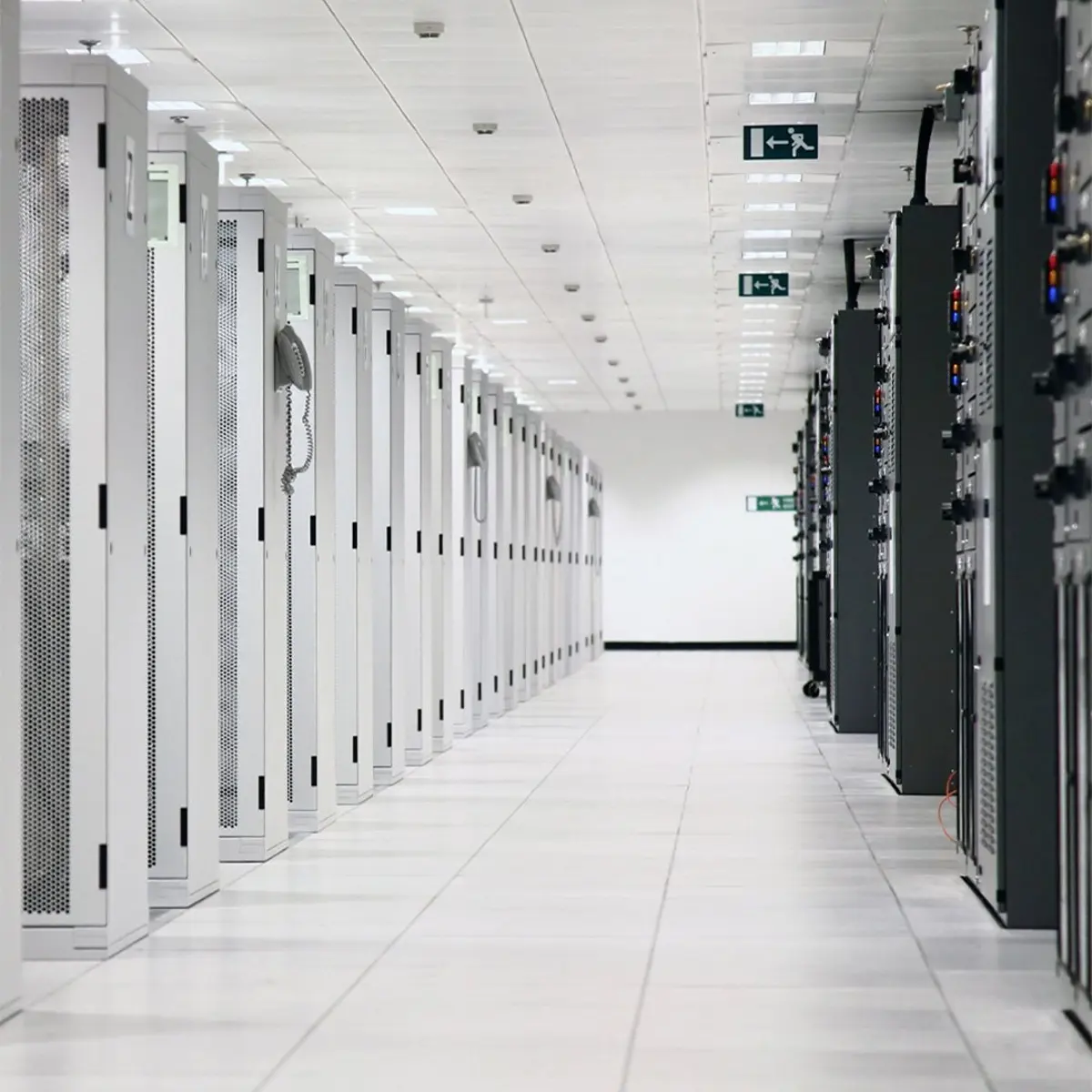
At CTCservers, we understand that modern AI video processing requires uncompromising power and reliability. That is why we offer top-of-the-line GPU dedicated servers built specifically to handle the most demanding creative and computational workloads. Our servers are housed in secure, advanced data centers equipped with enterprise-grade cooling and redundant power supplies.
Whether you are running a 3D animation studio, developing AI video generators, or managing large-scale video transcoding, we have a custom solution for you. We provide a wide range of hardware options, allowing you to pair the latest Intel Xeon and AMD EPYC 5th Generation processors with the most powerful NVIDIA compute GPUs available in 2026.
- Customizable Hardware: Choose your exact CPU, RAM, NVMe storage, and GPU configurations to perfectly match your specific AI rendering needs.
- 99.99% Uptime Guarantee: Enjoy peace of mind knowing your server is backed by industry-leading infrastructure and round-the-clock technical support.
- Ultra-Fast Networking: Benefit from high bandwidth choices and ultra-low latency connections from 10 Gbps up to 100 Gbps to transfer your massive 4K and 8K video files in seconds.
Our dedicated support team is always ready to help you migrate your workflow, set up your server environment, and troubleshoot any technical issues. We are committed to providing the robust infrastructure you need so you can focus entirely on creating and innovating.
Are you ready to upgrade with CTCservers?
Supercharge your AI video processing and rendering speeds today by choosing the perfect high-performance server for your business.